



Lifehacker
shared a link post in group #Lifehacker
lifehacker.com
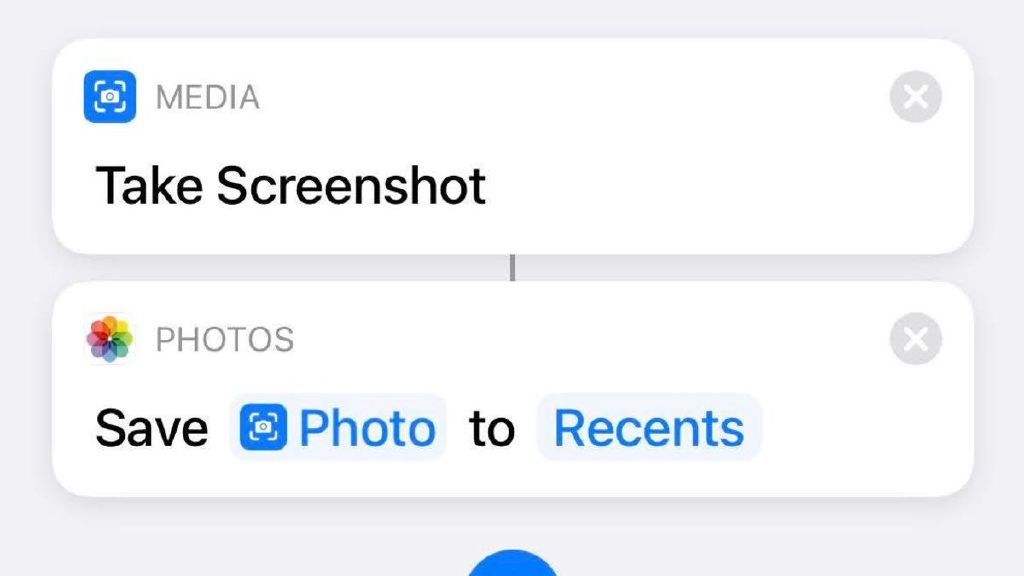
How to Take Screenshots in iOS Without That Annoying Pop-Up Preview
Screenshots are very useful, whether you’re taking them to send to a friend, make into a meme, paste into a Lifehacker article, or remind yourself of something later. If you take a lot of them in iOS, you’re undoubtedly familiar with the preview that pops up in the lower-left corner after you snap one. Sometimes, that’s exactly what you want—one tap and you can crop that screenshot, annotate it,